Resource centre / PI film laser services

PI film laser
processing
resources.

Practical guides and checklists to prepare your drawings, describe your material stack, define inspection requirements and plan a sample evaluation.

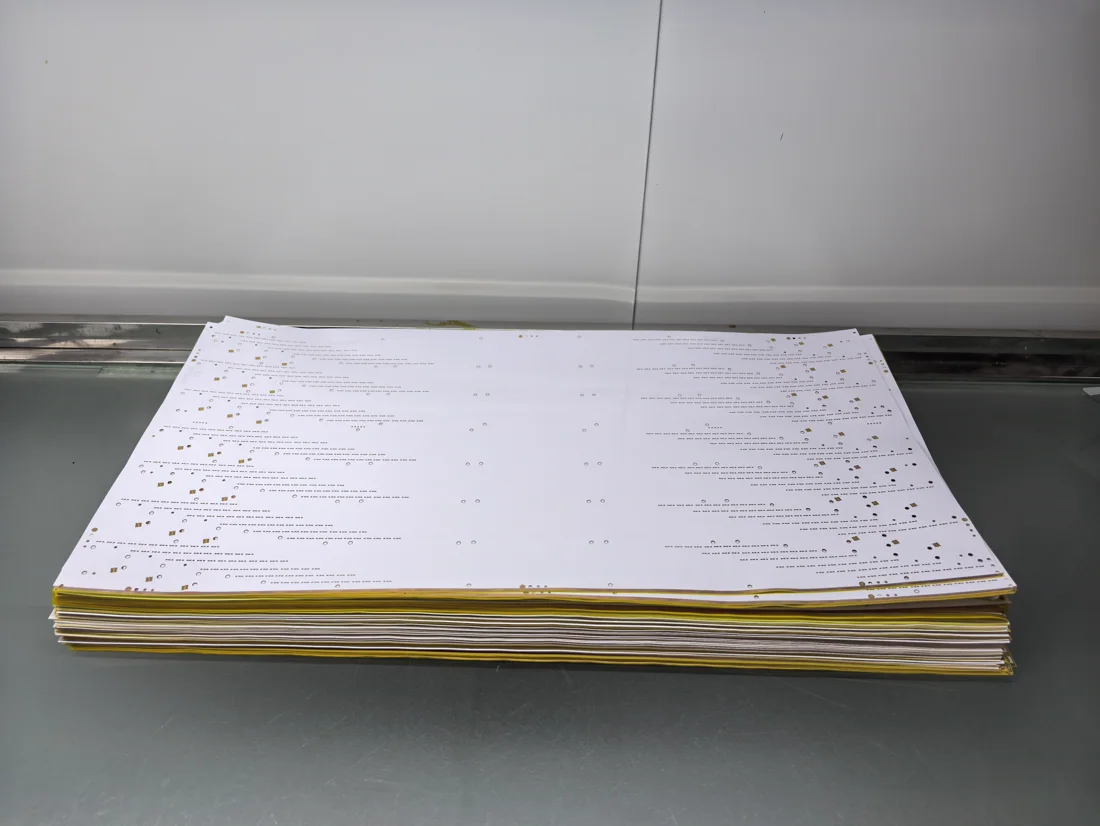
Stack of cut sheets with a patterned white face on the upper sheet.
Guides for practical questionsCopyable project templatesLaser processing only

01 / A useful place to begin

Essential guides for
your PI film project.

Find the information needed for a useful technical conversation. Each guide connects a project question to the drawing, material or acceptance details to prepare.

MATERIAL GUIDE02

Describe the actual material stack

Connect the requested cut to the supplied construction. Separate known material information from the details still to be confirmed.

  • Manufacturer, grade and layer sequence
  • Individual thicknesses, adhesive and liner
  • Incoming format and intended cut depth
Prepare your material information
COVERLAY GUIDE03

Prepare a coverlay opening pattern

Explain the windows, registration references and incoming coverlay condition so the opening task can be reviewed in context.

  • Opening shapes and repeated patterns
  • Reference face, alignment and drawing revision
  • Single pieces, panels and retained layers
Review coverlay drawing preparation
INSPECTION GUIDE04

Define what the part must show

Turn critical requirements into an inspection discussion. Agree which features need checking and what evidence the review requires.

  • Dimensions, positions and reference conditions
  • Edge and appearance acceptance criteria
  • Requested measurements, images and records
Plan the inspection requirements
SAMPLE GUIDE05

Give the sample a defined purpose

Start with available drawings, material or previous findings. Connect the evaluation to the question the project needs to resolve.

  • Preparation state and material identification
  • Features to check and requested output
  • Findings, open points and the next decision
Prepare a sample evaluation
PROJECT CHECKLIST06

Bring the project information together

Use a structured checklist to prepare the technical and practical information available for the first conversation.

  • The part, drawing and supplied material
  • Quantities and acceptance requirements
  • Timing, handling and questions still open
Build your project checklist

02 / Give the geometry a context

A clearer drawing starts
with six references.

A shape becomes easier to review when its revision, reference features and material construction are clear. Use the example to identify the information your drawing should explain.

DRAWING PREPARATION / REFERENCE MAP

ILLUSTRATION ONLY

Six references to identify on a PI film drawingA conceptual film profile with a window, locating holes and a layer sketch. Numbered callouts identify drawing revision, units, critical dimensions, position references, retained regions, and layers or faces. No measurements or tolerances are represented.PART / DRAWING REVISIONUNITS / SCALEILLUSTRATIVE GEOMETRY / NO MEASURED VALUESIDENTIFY ACTUAL LAYERS / REFERENCE FACE010203040506

Keep the reference consistent.

Identify the part number and drawing revision to be reviewed. Connect reference images, source files and any sample IDs to that same definition.

If documents differ, describe the difference and identify which version needs review.

Make every dimension interpretable.

State the units and identify whether a document is a dimensioned reference, an editable geometry file or an illustrative view. Confirm the scale used for the geometry.

A screenshot can explain a feature; dimensioned or editable files may still be needed to define the work.

Show which dimensions matter.

Mark the dimensions that affect fit or function. Provide their intended values, units and applicable tolerances on the drawing or supporting requirements.

Values and acceptance limits come from the project requirements; the diagram does not state processing capability.

Connect features to a common reference.

Identify the edges, holes or other references used to locate windows and internal features. Show which relationships matter for the customer assembly.

Clarify orientation and the relevant datum or locating reference before comparing positions.

State what changes and what stays.

Distinguish the cut path, removed pieces, retained borders and protected areas. Identify any bridges or connected layouts that need to remain.

Describe the requested output arrangement and handling of separated or retained parts.

Connect the drawing to the construction.

List the actual layer sequence and identify the reference face, adhesive face or liner where present. State which layers are intended to be cut, retained or protected.

Selective processing needs review on the actual construction; it is not established by the schematic.

Have a drawing question? Discuss the available drawing information.

03 / Organize what is known

Prepare a complete
project enquiry.

Use the dedicated checklist to connect your part, drawing, material, quantities and acceptance requirements. Start with the information you have and keep open questions visible.

YOUR WORKING PROJECT BRIEF

Eight topics. One connected enquiry.

Choose the project stage, reuse existing drawing, material or inspection briefs, and prepare a complete summary. Contact details are entered once in the enquiry form.

Build your project enquiry brief

The checklist runs locally. Entries are not saved after a reload, and no enquiry or files are sent. You can still use the quick enquiry form below for a direct project question.

04 / Ready to fill in

Practical templates
for your project.

Open a template, copy its questions and fill in the known details. Each template sits alongside the relevant guidance so you can check the context as you work.

COPYABLE TEMPLATE

Drawing preparation brief

Connect geometry, revisions, viewing direction, cut layers and the required output in one drawing brief.

Prepare your drawing brief
COPYABLE TEMPLATE

Material information brief

Identify the product, record each layer with its source and define the actual processing state.

Build your material brief
COPYABLE TEMPLATE

Inspection requirements brief

Connect each feature to its acceptance source, inspection conditions, checking scope and requested evidence.

Build your inspection brief
COPYABLE TEMPLATE

Sample evaluation brief

Connect the available material and drawing to the trial purpose, sample output and decision needed.

View sample template
PROJECT PREPARATION

Complete project enquiry brief

Bring drawing, material, quantity, inspection and delivery information together, with open questions clearly identified.

Build your enquiry brief

Templates are available to read and copy on the linked pages. Keep unknown details visible, and confirm project-specific requirements during review.

05 / Read with a question in mind

Explore a project question.

Go directly to the relevant explanation in our material, inspection and sample guides.

01

Film thickness or total stack thickness?

Identify what each thickness describes before discussing the laser operation.
Read the material guide →

02

How should edge appearance be described?

Connect the region to be checked with a reference, observation conditions and the acceptance requirement.
Read the inspection guide →

03

What changes after the sample is accepted?

Carry forward the accepted references and identify requirements that still need confirmation for the next stage.
Read the sample evaluation guide →

06 / Further reading

From the blog.

Explore a specific material, inspection or project-planning question, then bring the findings into your preparation brief.

BLOG ARTICLE

Film thickness or total stack thickness?

Separate the PI film, adhesive and liner in your material description, and identify which thickness applies to the intended laser operation.

Read the full article
BLOG ARTICLE

Turn “a good edge” into a clear requirement.

Identify the edge region, observation conditions and acceptance reference so a sample review can answer a defined question.

Read the full article
BLOG ARTICLE

Review what changed before reusing a result.

Compare new material, drawing and acceptance requirements with the earlier evaluation, then define the evidence needed for the next step.

Read the full article
View all six articles

07 / Find the next useful answer

Common project
preparation questions.

Start with a short answer, then follow the guide for the details that apply to your part.

Can I enquire before every detail is confirmed?

Yes. Describe the available information and mark unresolved details as “to be confirmed.” The requested operation, material and acceptance requirements still need review before processing can be agreed.

Understand the project process
What if I do not know the full material stack?

Provide the known product identity, supplier information, material documents or available sample references. Identify which layers or thicknesses are unknown rather than assuming the construction.

Identify the available material information
What should a drawing identify?

Include the part and revision, units, geometry, critical dimensions, position references and the regions or layers to be cut or retained. Describe any differences between files or reference views.

Review the drawing requirements
How should I define inspection requirements?

Identify the critical features and their acceptance criteria. Discuss measurement conditions, observation methods, checking scope and the evidence needed for the project review.

Prepare an inspection plan
What should I prepare for a sample evaluation?

Start with the question the sample must help resolve. Provide the available drawing, material construction, sample or previous-trial references and requested checks. Agree quantity, charges and dispatch arrangements before sending material.

Choose your sample evaluation starting point
Which services does this guidance cover?

This guidance supports PI film laser processing and agreed film-stack evaluations. Material manufacture, coating, lamination, circuit fabrication and final assembly are outside this laser-processing service.
Review the laser service scopes

PI FILM LASER PROCESSING

Explore the website

Find the information for your PI film project.