Amber PI film laser cutting
This workshop sample shows long slots, small openings and a pattern repeated across a sheet of yellow, or amber, film. Use it to identify the features you want us to review on your drawing.
Discuss a similar part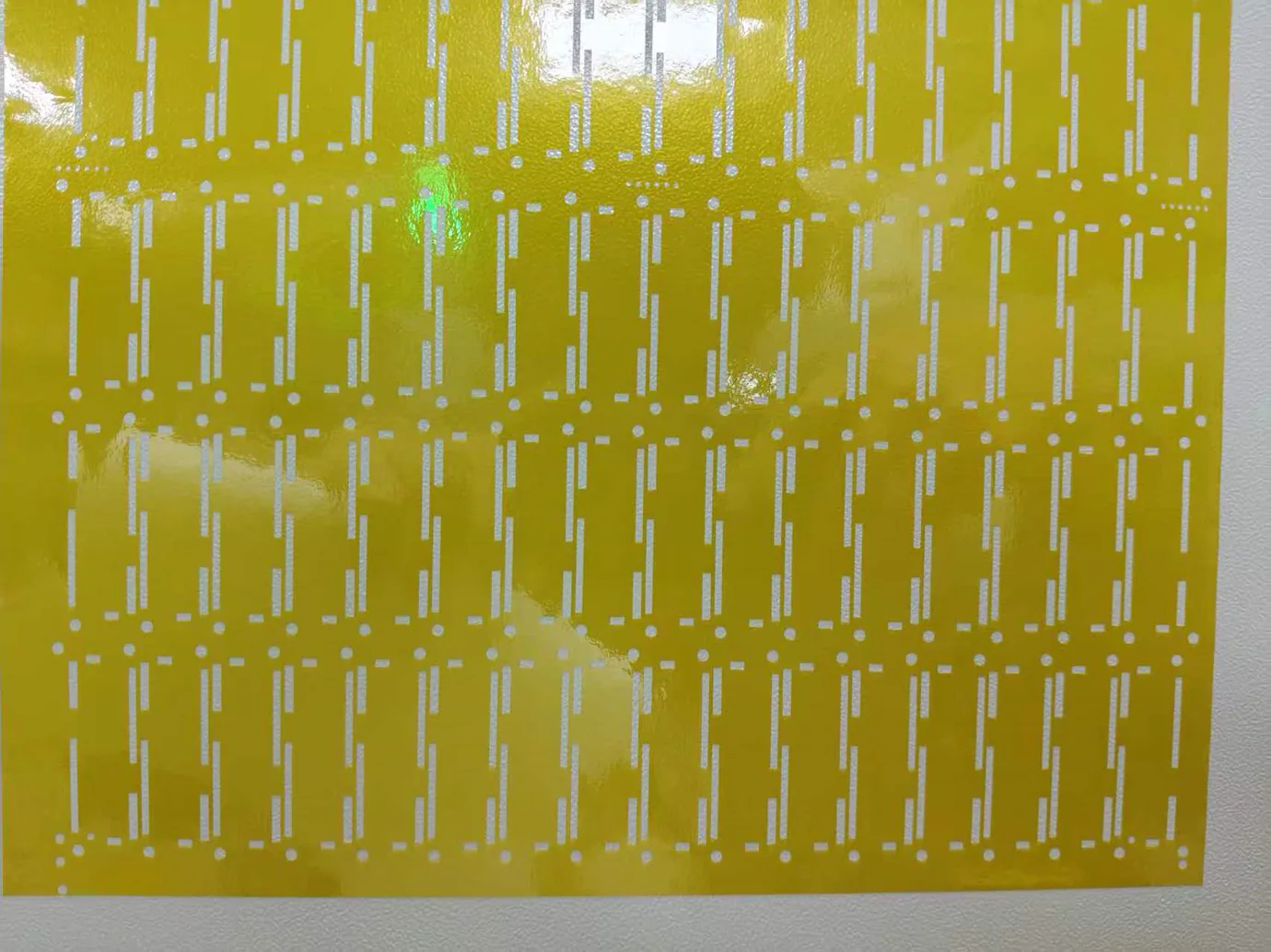
Inside the repeating pattern
The enlargement shows the film left between adjacent openings. To quote a part from a sheet layout, we need the boundary of one finished piece and the material you want to keep.
Materials and process records
Recorded processing settings
The following entries document settings used for this film category. Identify the exact material and part before applying a previous setting to a new job.
| Film layer (μm) | Adhesive (μm) | Film + adhesive (μm) |
|---|---|---|
| 12.5 | 15 | 27.5 |
| 25 | 25 | 50 |
These constructions occur in the yellow- and white-film records. Confirm the actual grade, coating and incoming stack; colour alone does not identify the material.
View the recorded settings
Scroll horizontally to view all columns.
| Record | Film / adhesive (μm) | Laser process | Cutting power (W) | Frequency (kHz) | Cutting passes | Galvo scan speed (mm/s) |
|---|---|---|---|---|---|---|
| PR-01 | 12.5 / 15 | Green picosecond | 32–36 | 1000 | 5 | 2200 |
| PR-02 | 25 / 25 | Green picosecond | 38–42 | 1000 | 8 | 2200 |
| PR-05 | 12.5 / 15 | UV picosecond | 24–26 | 1000 | 6 | 2000 |
| PR-06 | 25 / 25 | UV picosecond | 26–28 | 1000 | 10 | 1800 |
| PR-09 | 12.5 / 15 | UV nanosecond | 22–24 | 100–150 | 5 | 1000 |
Values reproduce the processing records. Cutting power is not presented as a calibrated measurement at the workpiece, and galvo scan speed is not finished-part output. Settings require adjustment for the product. These entries do not establish dimensional tolerance, edge quality or acceptance results.
The sample images on this page illustrate film features. A one-to-one link between each image and the parameter entries has not been established.
How to mark one part on your drawing
Finished outline
Trace one complete outer contour. Show where the part separates from the surrounding film.
Internal openings
Mark each slot or opening to remove. Identify any narrow strip that must remain intact.
Spacing on the sheet
Dimension the gap between adjacent outlines. If a feature has a positional tolerance, identify its datum.
Handling an amber sheet
This workshop clip shows an amber sheet being handled. It illustrates how the film moves when lifted. Use the drawing and agreed inspection method to assess the cut edge and dimensions.
What to include in a cutting enquiry
Material
Provide the film grade or supplier reference. List the PI base-film thickness and the total stack thickness separately, including any adhesive and release liner.
Cut depth and retained layers
Identify the face shown in the drawing. Specify which layers must be cut through and which must stay intact at each feature.
Sample acceptance
Send the drawing revision, quantity and critical dimensions. Mark the edge or opening to inspect and state how you will judge the first sample.